AI Support Agent Dashboard
The AI Support Agent Dashboard is a web application designed to help you manage, monitor, and optimize your customer support through AI-powered voice and text agents.
From this platform, you can:
- Configure your intelligent agents.
- Monitor calls and conversations.
- Analyze usage statistics.
- Manage WhatsApp messages in one place.
Key Features
-
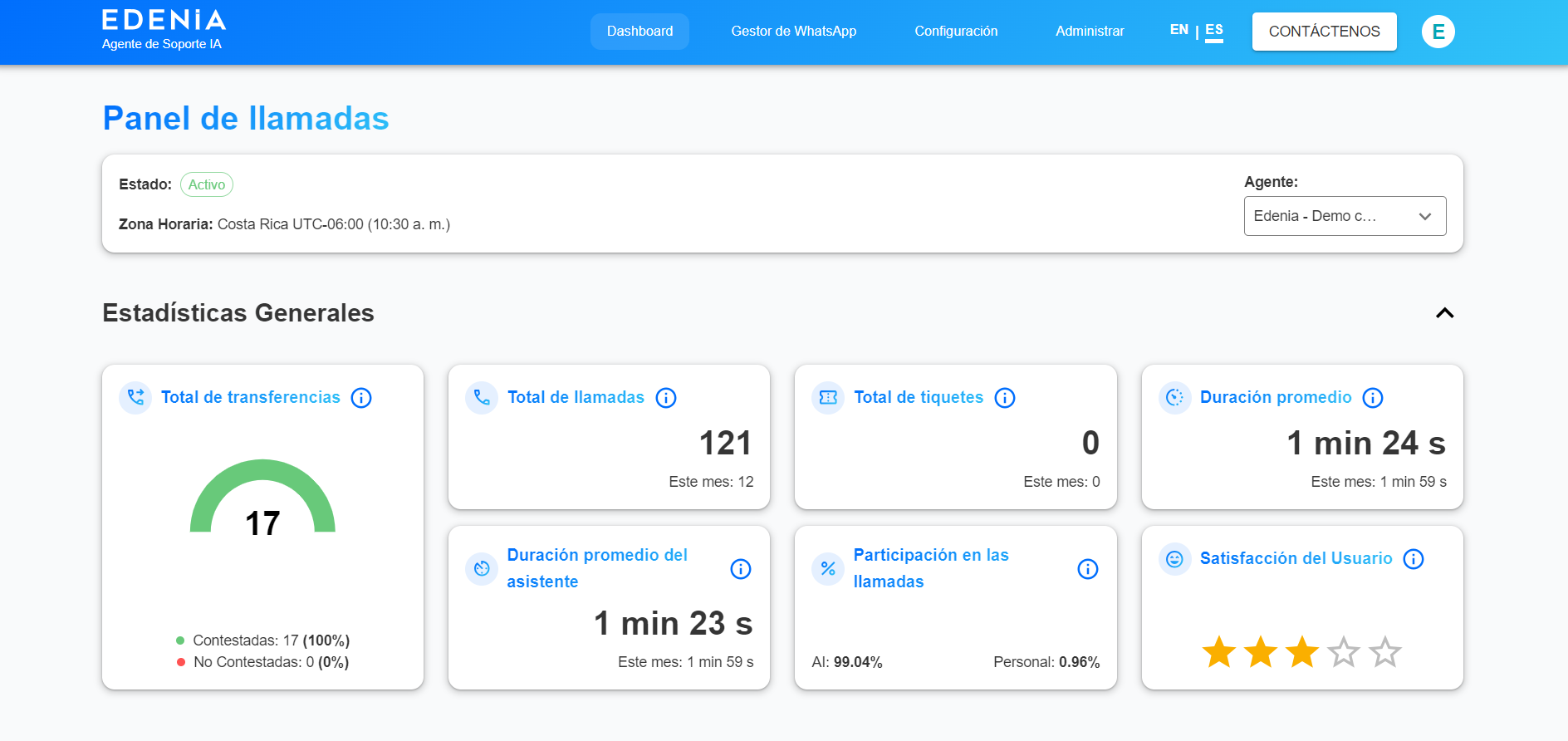
Call Statistics
View key metrics to evaluate the performance of your customer support. -
Call Logs
Access call history along with their corresponding transcriptions. -
Agent Configuration (voice and text)
Customize the behavior of your AI agents. -
WhatsApp Manager
Manage customer conversations from a centralized interface.
Getting Started
To access the platform, you must complete a prior registration process. You can request access by contacting our team.
Once you have your credentials:
-
Go to the platform: https://ai-agent.edenia.cloud
-
Install the application on your device.
-
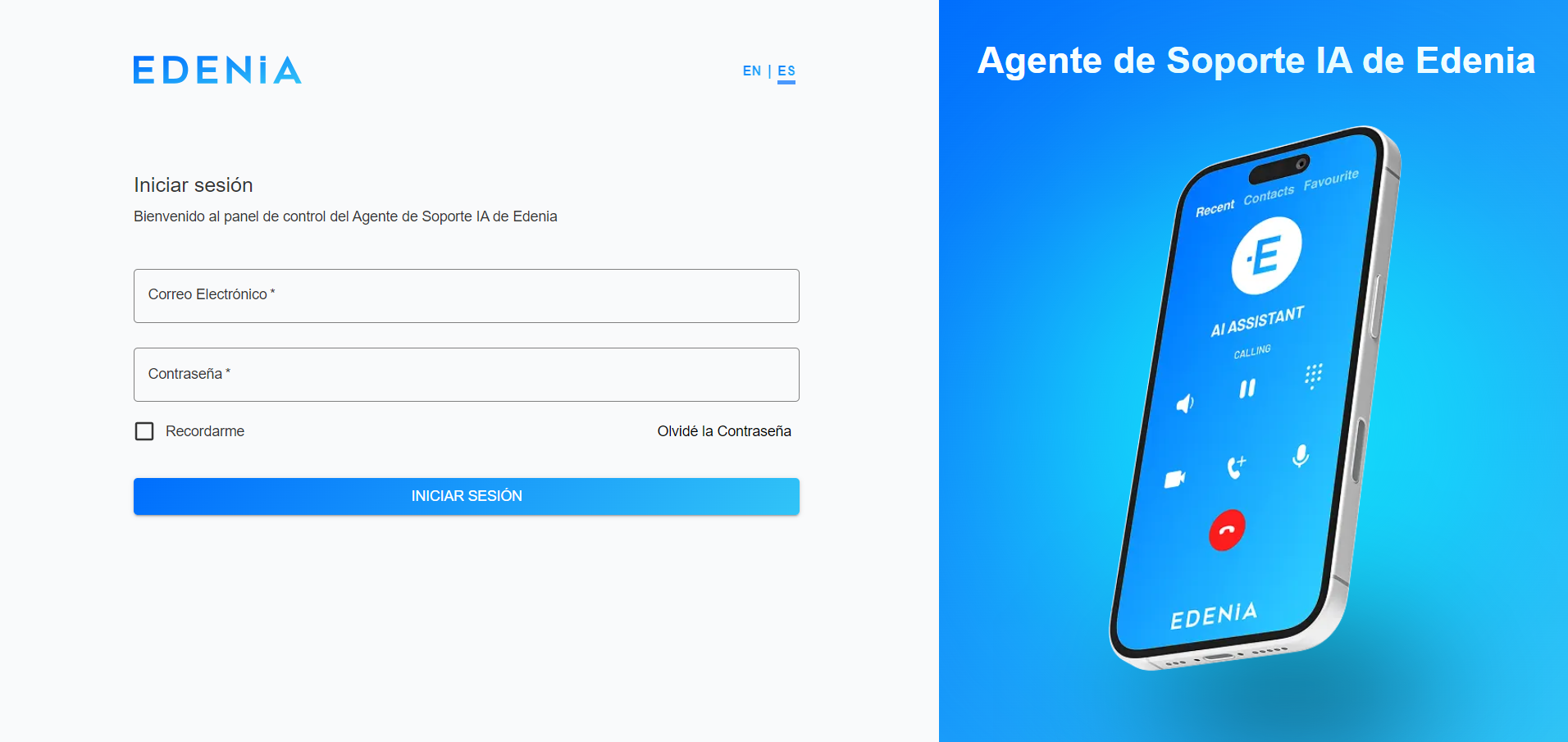
Log in using the provided credentials.
-
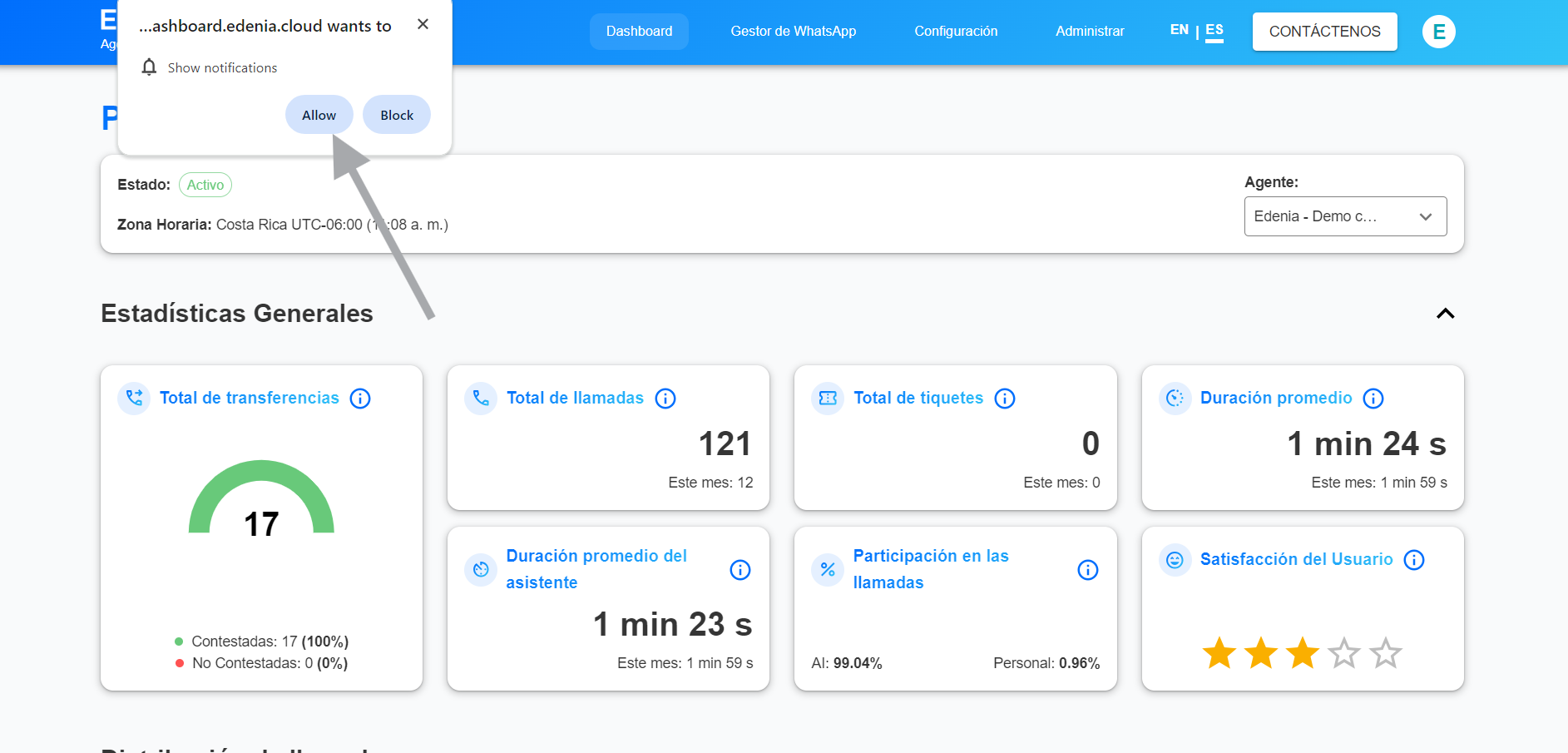
Accept notifications when prompted by the system.
-
You're all set! You can now start managing your agents.
Application Installation
The platform works as a PWA (Progressive Web App), allowing you to install it easily on your device.
On mobile devices (Android / iOS)
-
Open the link in your browser:
https://ai-agent.edenia.cloud -
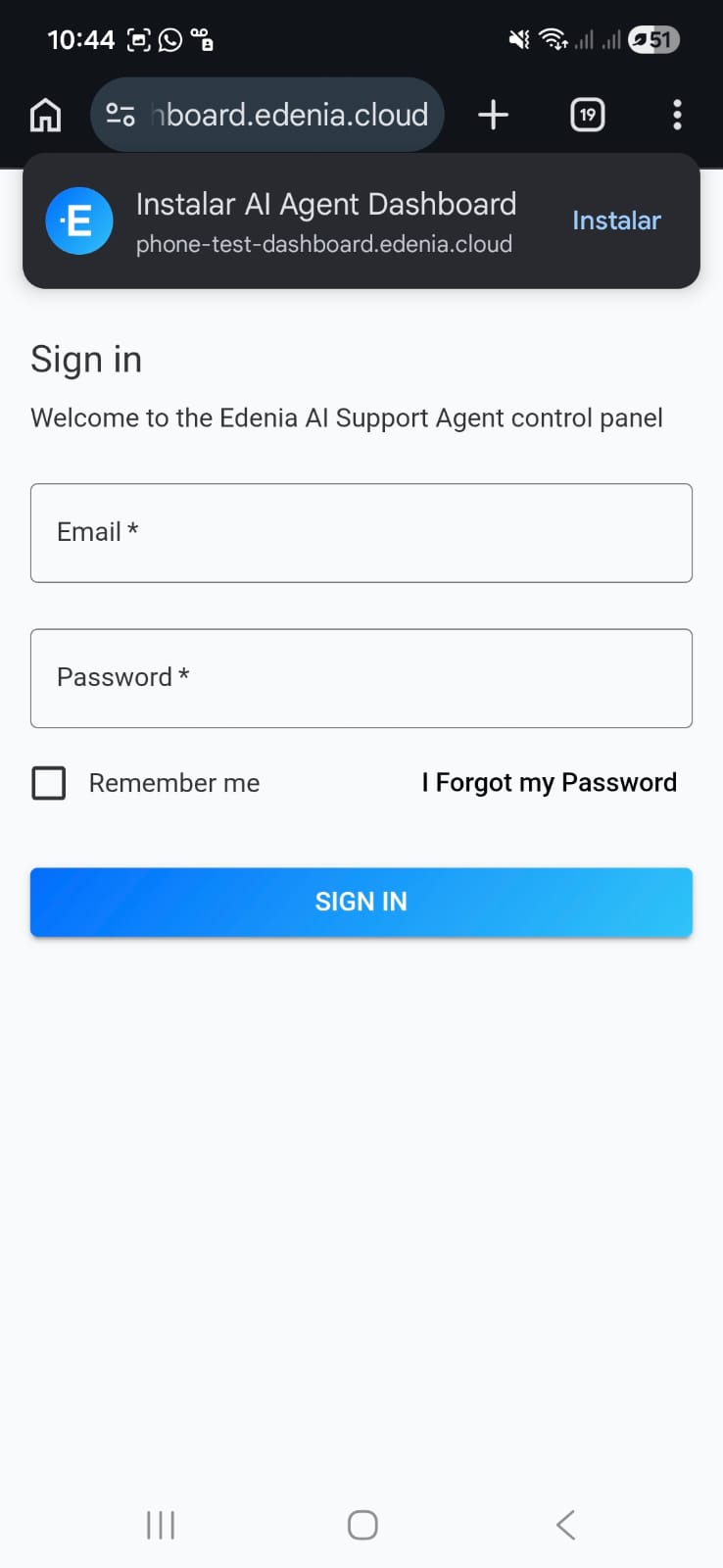
If the installation prompt appears, tap "Install".
-
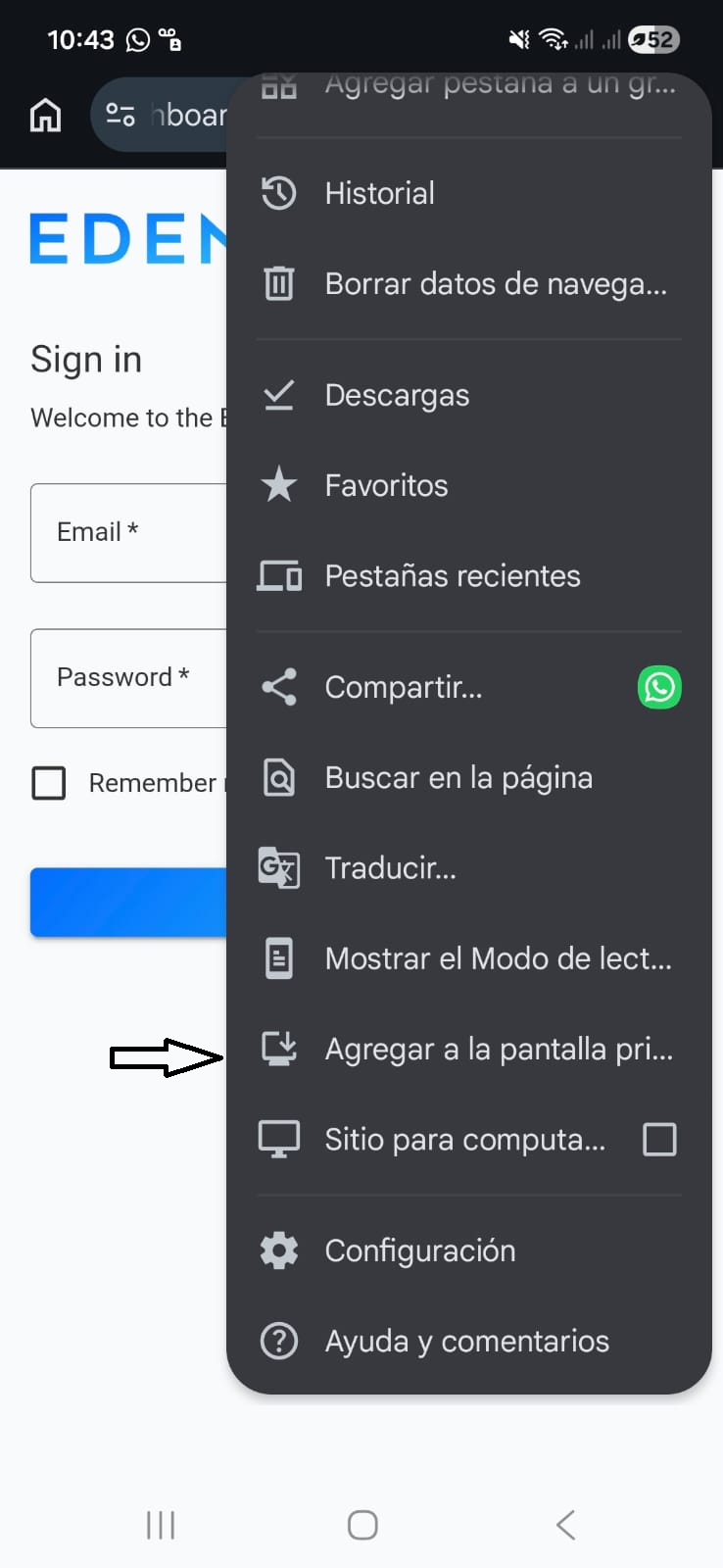
If it does not appear:
- Open the browser menu (⋮)
- Select:
- "Add to Home Screen" or
- "Install App"
On desktop (Windows / Mac)
-
Open the platform in your browser.
-
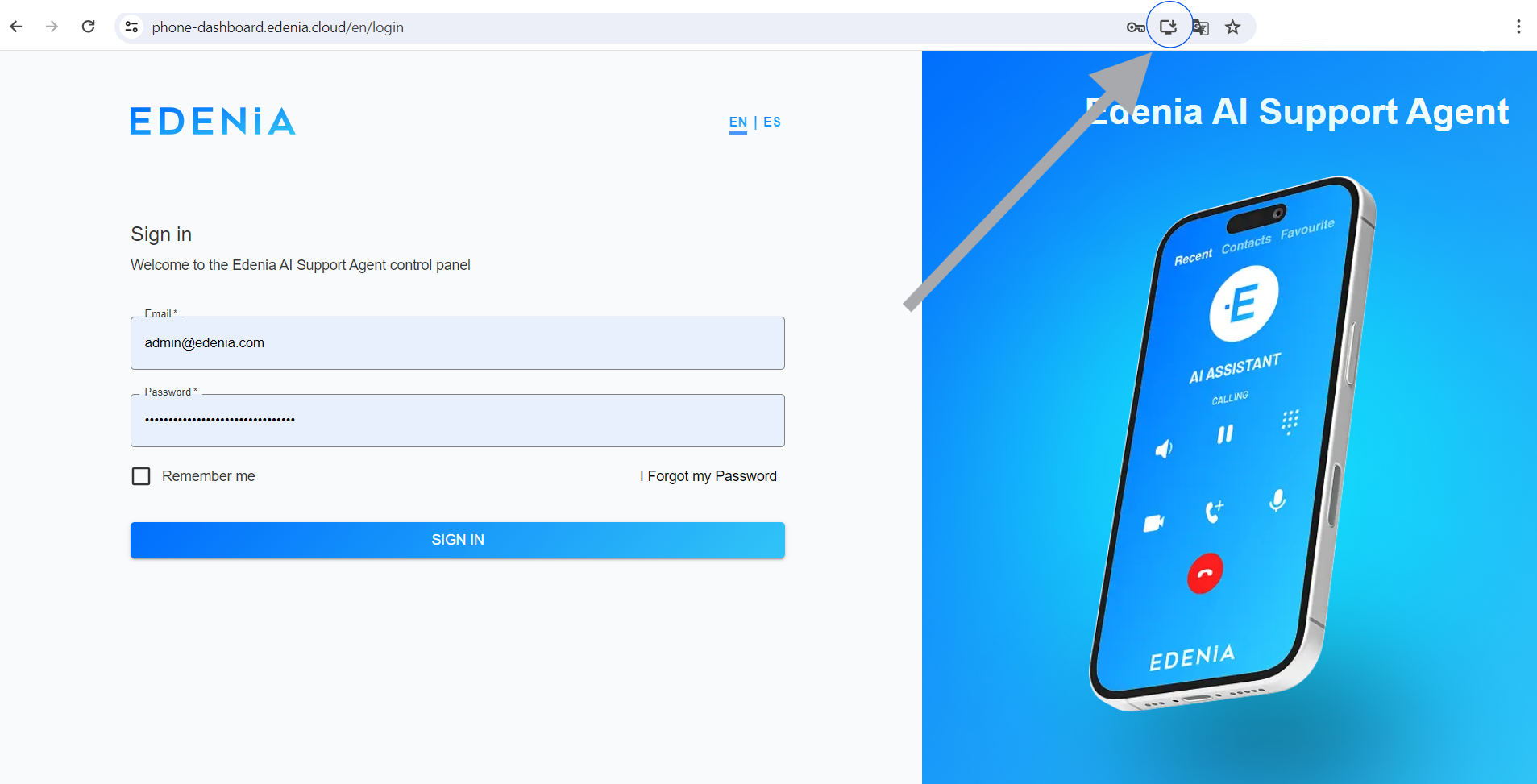
In the address bar, look for the install icon or:
- Open the browser menu
- Select:
- "Install App" or
- "Save and Share" → "Install AI Agent Dashboard"
Notifications
To receive notifications across multiple devices:
- Install the application on each device.
- Log in on each one.
- Accept notification permissions when prompted.
This will allow you to receive real-time alerts whenever:
- A new message is received.
- A new interaction between the AI agent and a customer occurs.
If you're not receiving notifications
Some browsers with advanced privacy settings may automatically block notifications.
If you aren't receiving alerts:
- Make sure notifications are enabled for this site.
- Check that your browser allows background notifications.
- Try reinstalling the app and accepting the permissions again.
- In some cases, you may need to enable the use of browser notification services.
WhatsApp Manager
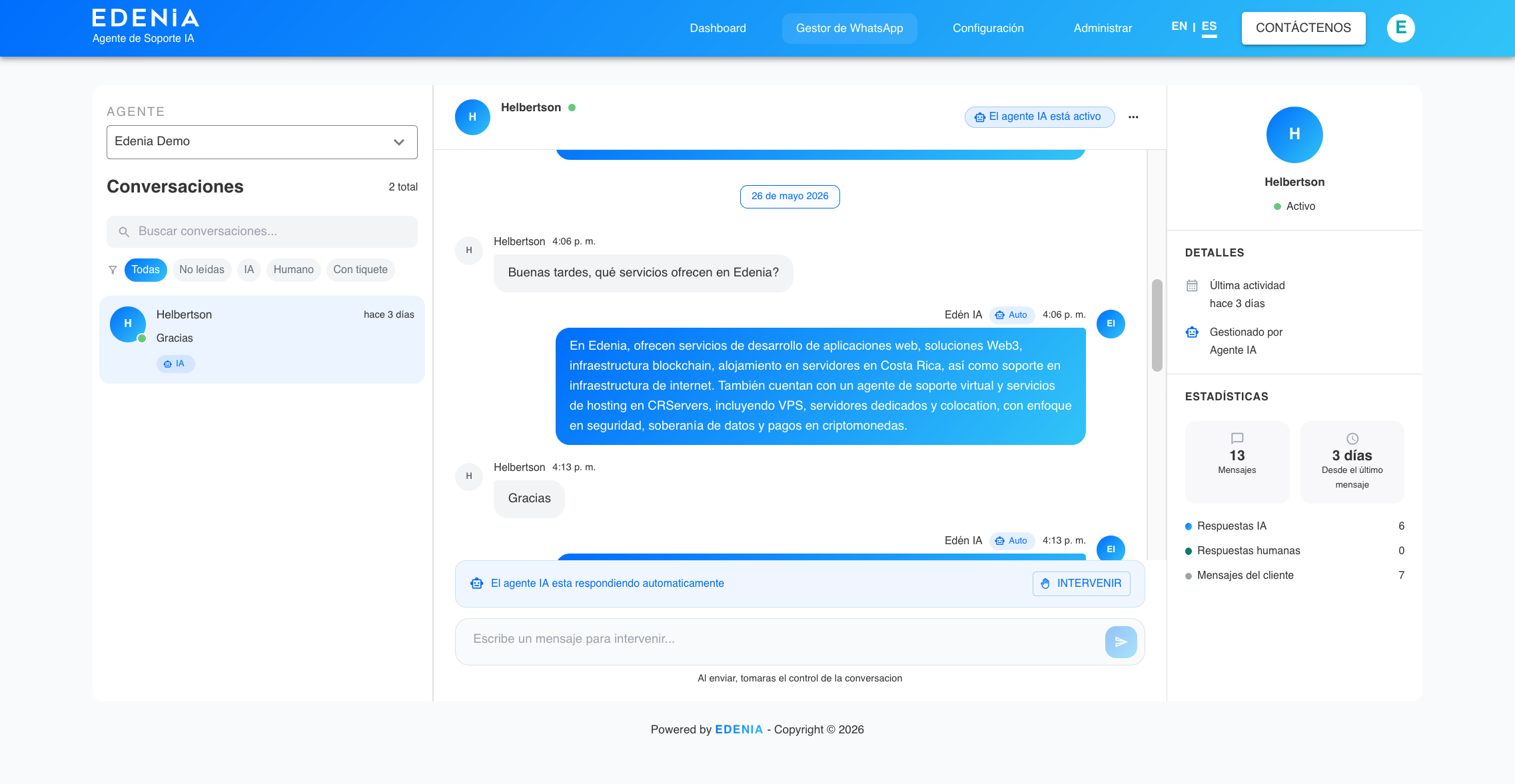
The WhatsApp Manager is where you can handle all customer conversations.
What can you do here?
- View all active chats.
- Read incoming messages from customers.
- See AI-generated responses.
- Manually take over conversations when needed.
Human agents can take control of any conversation at any time, ensuring personalized support when necessary.
Additionally:
- Every new message triggers a notification.
- All connected administrators will receive alerts on their devices.
Recommendations
- Install the application on all devices used by your support team.
- Make sure to enable notifications.
- Regularly review statistics to improve your support performance.
With this tool, you can centralize and optimize your entire customer support process, combining automation with human intervention when needed.
